Test and Confirm QVBundle Is Working
Step 3 – Add items to the bundle
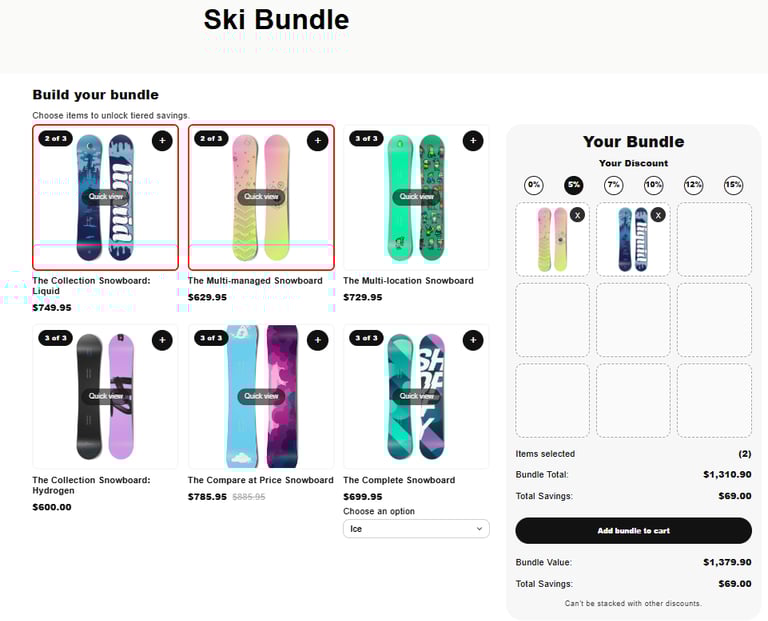
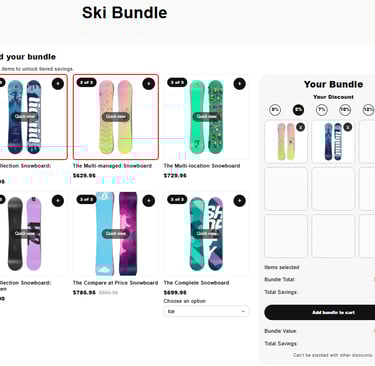
Click + to add products to the bundle. The products should be added to the right bundle section and the tiered pills should update accordingly.
How to check your bundle is live
Once QVBundle is set up, it’s important to confirm everything is working as expected.
What you’ll check
The bundle appears on the page
Products load correctly
The bundle can be added to cart
Step 1 – Open the bundle page
Visit the page where you added the QVBundle block.
Step 2 – Check products load
You should see products from your selected collection.
If you don’t:
Check the collection is not empty in the Shopify \ Products \ Collections section
Make sure products in the collection are in stock
Step 4 – Add bundle to cart
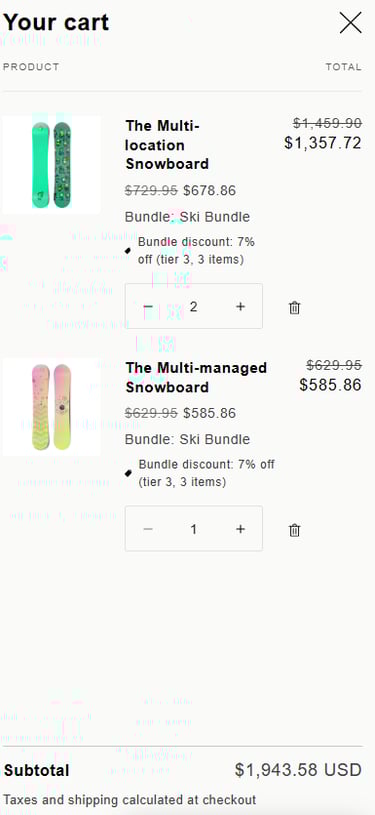
Once the bundle requirements are met, click Add bundle to cart.
Final result
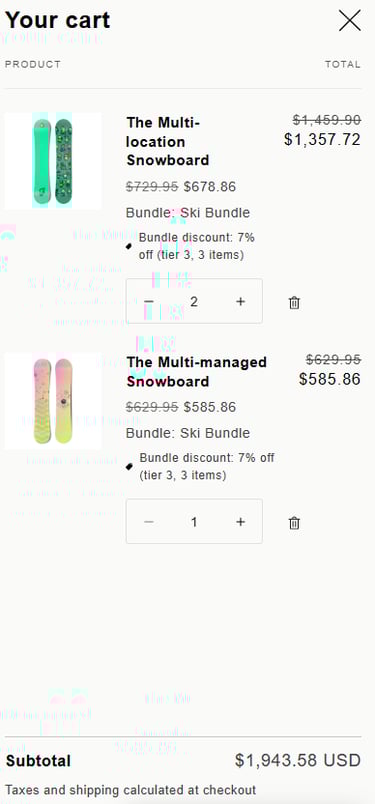
The bundle appears in the cart with the correct products and pricing.