
Understanding bundle discounts
QVBundle rewards customers with higher discounts as they add more items to their bundle.
How tiered discounts work
Each tier represents a number of items
Each tier has a discount percentage
Discounts increase as more items are added
Example
1 item → 0% discount
3 items → 5% discount
6 items → 15% discount
(Your exact tiers can be customized.)
What customers see
As items are added:
The progress indicator fills
Discount percentages update
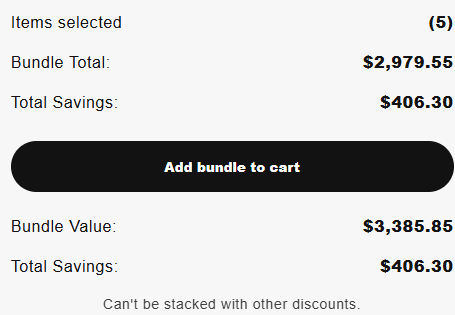
Savings are shown in real time
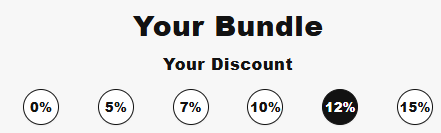
Final result
Customers clearly see how adding more items increases their savings.
Need a hand?
Tell me which app you’re using, your store domain and what you were trying to do. An error message or screenshot can help.