Step 5 – Edit bundle headings
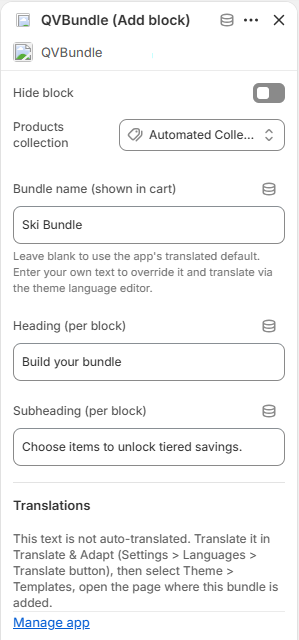
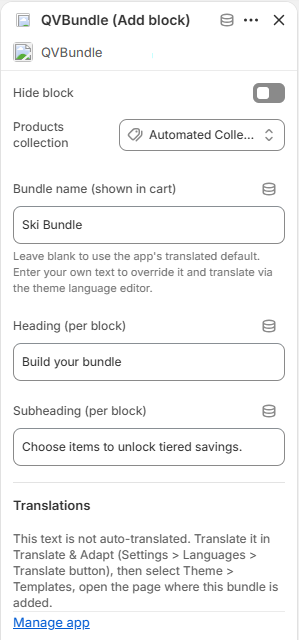
Edit the bundle name, heading and subheading to ensure each bundle block has its own unique names.
Add the QVBundle Block to a Page and Select a Collection
Step 6 – Save and preview
Click Save, then view the page on your storefront.
Final result
Customers can now build a bundle using products from your selected collection.
How to display a bundle on your store
QVBundle displays products from a collection you choose. If no collection is selected, the bundle cannot show products.
What you’ll do
• Add the QVBundle block to a page or template
• Choose a collection for the bundle
Step 1 – Open the theme editor
Go to Online Store → Themes → edit theme.
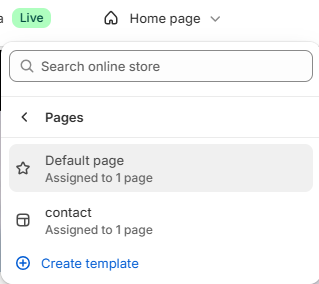
Step 2 – Select the page or template
Use the page/template selector at the top of the editor to choose where you want the bundle to appear.
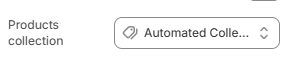
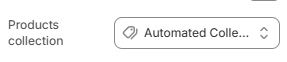
Step 4 – Choose a collection
In the block settings, select the collection that contains the products you want customers to bundle.
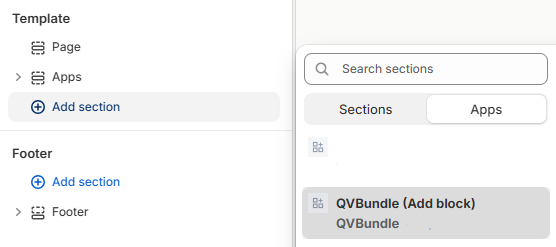
Step 3 – Add the QVBundle block
Click Add section or Add block, then select QVBundle from the Apps block list.