Quick View – What It Is and How to Use It
Help customers preview products without leaving the page
Quick View allows customers to view product details and choose variants without leaving the bundle page.
What Quick View does
Opens a product preview
Shows product details
Allows variant selection
Step 1 – Open Theme & Display settings
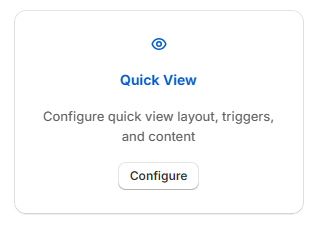
In the QVBundle app, go to Theme & Display. Then select the Quick View tile.
Step 2 – Enable or disable Quick View
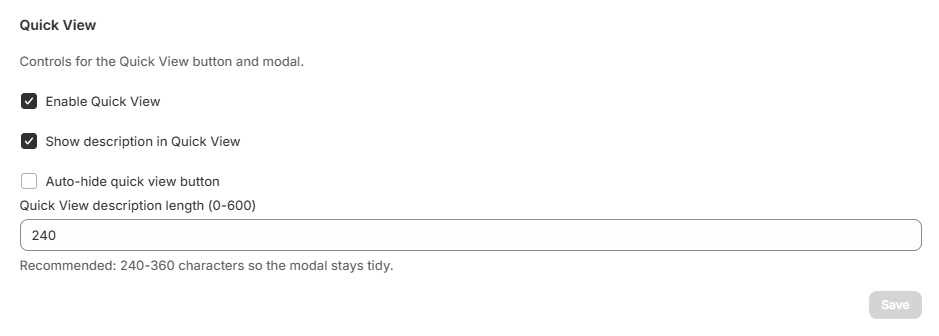
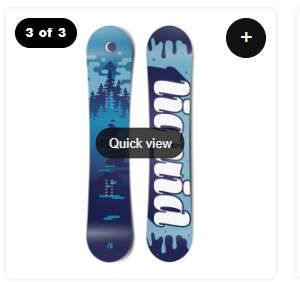
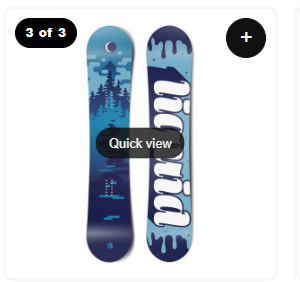
Toggle Enable Quick View ON or OFF. You also have the option to auto hide the quick view button on desktops. If auto hide is enabled, the button will only appear when the mouse hovers over the product image.
Step 3 – Optional description settings
You also have the option to show the product description in the quick view window.
You can choose:
Whether to show product descriptions
How long the description should be
Final result
Customers can quickly preview products while building their bundle.