
Track how your bundles perform
QVBundle includes built-in analytics to help you understand how customers interact with your bundles.
What is tracked
Bundle views
Items added
Add-to-cart actions
Quick View opens
Where to find analytics
Open the QVBundle app and go to the Analytics section.
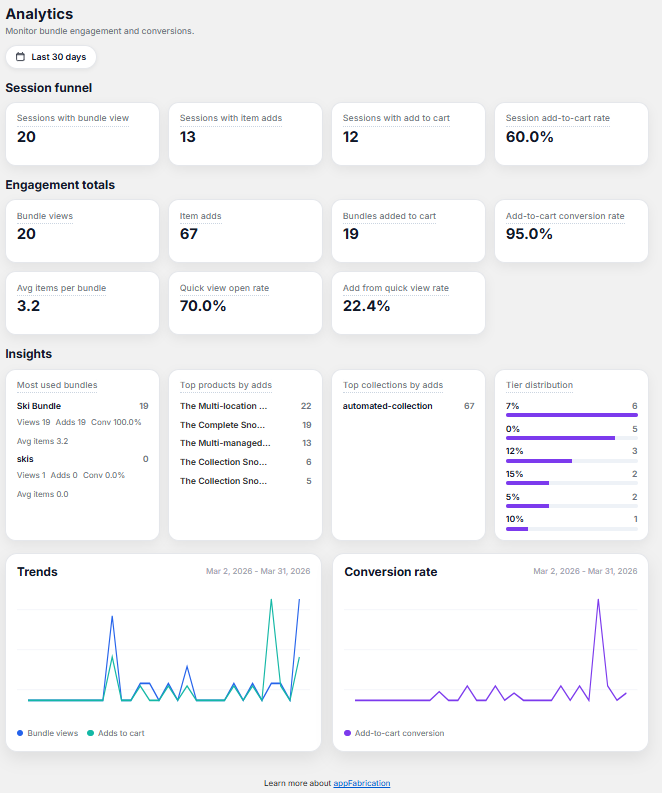
How to use the data
Use analytics to:
See which bundles perform best
Identify drop-off points
Improve bundle layout or discounts
Final result
You gain insight into how bundles contribute to your store’s performance.
Need a hand?
Tell me which app you’re using, your store domain and what you were trying to do. An error message or screenshot can help.